Use this bar to show information about your cookie policy.
Description
Interface Box for MFD Integration - IrisControl App for Garmin, Raymarine, Simrad & Furuno
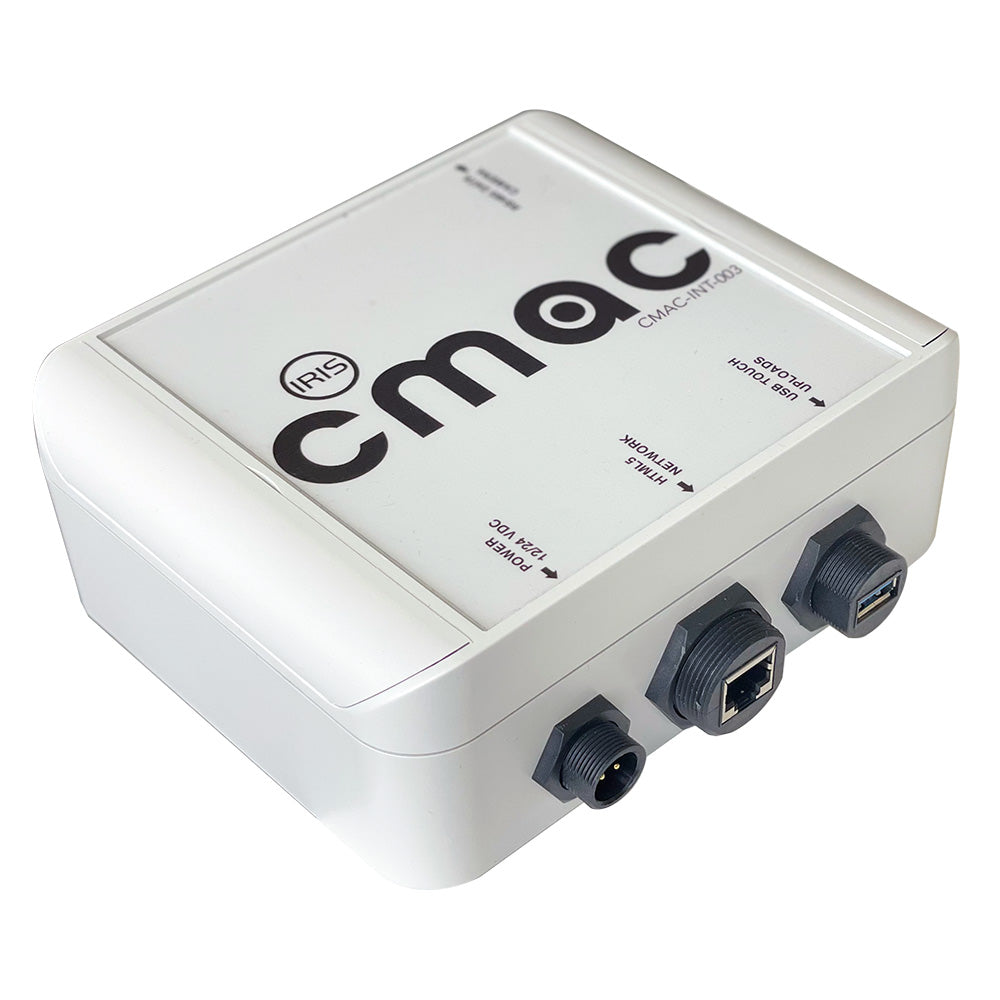
The CMAC-INT003 is a small and compact interface box that sits in line between your MFD and Camera to provide full control and converts the video to high-definition HDMI.
The perfect solution for smaller vessels such as center console boats, fishing boats, RIBs, vehicles, or any application where perhaps a single IP PTZ camera (such as our A418, A295, or A395 models) is installed, the CMAC-INT003 interface converts the cameras IP stream to high definition HDMI video whilst also hosting our IrisControl App for HTML5 platforms such as Garmin’s OneHelm, Raymarine LightHouse Apps, Simrad / B & G Apps and Furuno TZT Apps. Plug your camera into the INT003, hook up to your MFD’s network and HDMI input, and seamlessly control your camera from the MFD.
For chartplotters that support our IP camera's video stream directly, as well as hosting our IrisControl App, the CMAC-INT003 converts control data from the App to RS485 serial data to drive the camera.
For chartplotters that do not support the cameras video stream directly or do not feature HDMI video inputs, simply combine the CMACINT003 with our HDMI2IP encoder to view your device (compatible with Raymarine, Simrad, B & G, and Furuno).
Features:
Converts IP Video Stream to HDMI Video
Hosts IrisControl App for Control via Chart Plotter
Provides RS485 Serial Data to PTZ Cameras
Designed to Interface IP Cameras with Chart Plotters such as Garmin, Raymarine, Simrad, B & G, and Furuno